
If you run a website, you have probably seen the pitch. A single line of code, dropped onto your pages, that promises to make your site accessible to people with disabilities and keep you safe from lawsuits. That product is called an accessibility overlay, and it has become one of the most misunderstood tools on the web.
This guide explains what an accessibility overlay actually is, what it can and cannot do, and what the current law and litigation record say about relying on one. The goal here is to help you make an informed decision, not to scare you or sell you a shortcut. We build Sitejar, a compliance scanning and source-code remediation tool, so we have a point of view. Everything factual below is tied to an official source so you can check it for yourself. This is not legal advice.
What Is an Accessibility Overlay?
An accessibility overlay (also called an accessibility widget, or an automated accessibility widget) is a snippet of JavaScript a site adds to its pages. When someone loads your page, that script runs in the visitor's browser and layers extra controls on top of your existing content. Think contrast toggles, font-resizing buttons, cursor adjustments, and a small floating icon that opens an accessibility menu.
Some overlays go further and attempt automated fixes: guessing at missing image descriptions, adjusting color contrast, or relabeling buttons on the fly. The important word there is "on the fly." The overlay does not change your website's actual code. It sits on top of the page as a runtime layer, adjusting what the visitor sees in that moment, while your underlying HTML stays exactly as it was.
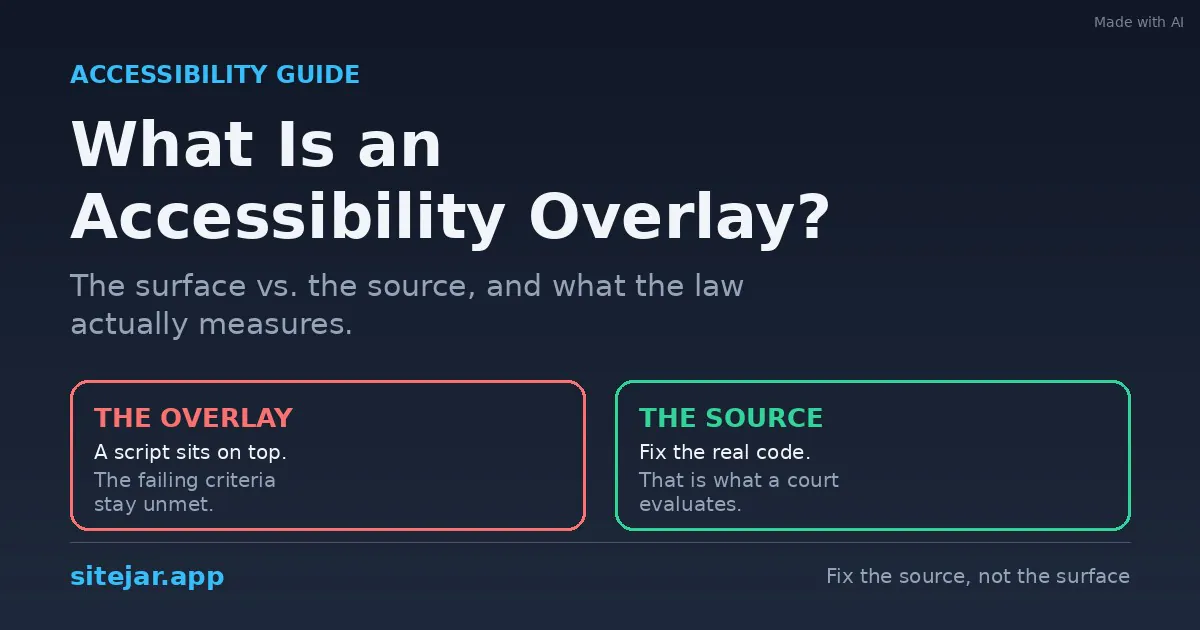
That distinction between the surface and the source is the single most important thing to understand about overlays, and it drives everything else in this article.
An overlay changes what a visitor sees at runtime. It does not change the code a regulator or a court actually reads.
Overlay vs. Widget vs. Toolbar: Same Idea, Different Names
You will see these tools marketed under several names, and the differences are mostly branding. An accessibility overlay is the umbrella term for a script that layers accessibility features over a site. An accessibility widget usually refers to the visible menu or floating button a visitor can click. An accessibility toolbar is that same menu, framed as a set of adjustment tools. An AI accessibility solution is an overlay that markets its automated fixes as artificial intelligence.
Underneath the labels, the mechanism is consistent. A third-party script runs in the browser and adds a layer on top of your page rather than editing the page itself.
What an Accessibility Overlay Actually Does
To be fair to overlays, they are not useless. A visitor who wants larger text or higher contrast can click a button and get it, without your team building those controls yourself. For some users, on some pages, that is a genuine convenience.
The trouble starts when an overlay is sold as a complete accessibility solution. The features an overlay provides are the easy, visible ones. The requirements that actually determine whether a site is accessible, and whether it meets the law, are mostly invisible and mostly out of an overlay's reach.
Where Overlays Help
Overlays offer quick visual adjustments like font size and contrast toggles. They give users a single, findable place to change display settings. And they require almost no effort to install. For those narrow purposes, they do what they say.
Where Overlays Fall Short
The limits show up fast once you look past appearance. Overlays cannot reliably fix keyboard navigation, focus order, or keyboard traps. They cannot judge whether alt text is meaningful or whether a heading structure is logical. And they inject their own controls, which can interfere with the screen readers real users already rely on.
That last point matters more than it sounds. Many people with disabilities already use their own assistive technology, tuned to their needs. When an overlay layers its own control panel on top, it can interrupt the tools those users depend on, making the site harder to use rather than easier.
Is an Overlay ADA Compliant? What the Law Actually Requires
Here is the question most business owners are really asking: does an accessibility overlay make me ADA compliant? To answer it honestly, we have to look at how accessibility law is written, because the answer follows directly from that.
Accessibility law is written around technical conformance, not tooling. It does not say "install an approved product." It says the content itself must meet a defined technical standard. That standard is the Web Content Accessibility Guidelines, or WCAG.
The Standard Behind the Law: WCAG 2.1 AA
The WCAG 2.1 guidelines, published by the W3C, define what accessible web content means in measurable terms. Level AA is the tier regulators and courts generally point to. In Europe, the harmonised standard EN 301 549, which the EU Web Accessibility Directive and the European Accessibility Act rely on, adopts WCAG 2.1 Level AA for web content.
Conformance means those requirements are satisfied in the site's own code and design. Not simulated at runtime. Satisfied in the markup a browser, a screen reader, a regulator, or a court would actually read.
The United States: Public Rules and Private Case Law
The U.S. Department of Justice's 2024 ADA Title II Final Rule requires state and local government websites to meet WCAG 2.1 Level AA, with deadlines falling in April 2026 and April 2027 depending on the size of the entity. This is a technical conformance standard, and implementation has to be present in the site's own code.
That rule applies specifically to public entities. Private commercial websites are a different track, but not a safer one. U.S. federal courts have consistently applied ADA Title III to private commercial websites through case law, with the same underlying expectation of actual technical accessibility. Overlay-based approaches are increasingly cited in litigation as insufficient, a point the numbers below make hard to ignore.
For the deeper version of this argument, with every claim sourced, see our overlays and the law position statement.
Why an Overlay Cannot Substitute for Conformance
Because the legal requirement is conformance of the page itself, remediation has to live in the site's own code. This is not a matter of overlay quality or vendor reputation. It is structural.
No automated tool can cover the full set of WCAG 2.1 Level A and AA criteria. Independent testing consistently finds that automated tooling, including AI-powered overlays, detects only a fraction of accessibility issues, with much of the standard requiring human judgement. Is this alt text meaningful for this image? Is this heading structure logical for this content? Does this form communicate its errors clearly? A runtime script cannot answer those questions, and the criteria behind them stay unmet.
An overlay sitting on top of an unconformant page does not make the underlying page conformant. Picture two layers. The surface is a runtime script sitting on top of the page, where the criteria it fails are still failing underneath it. The source is the site's own code satisfying the criteria, which is exactly what a regulator or a court evaluates.
When a court or an investigator examines your site, they look at the source. That is the layer the law measures. An overlay changes the surface and leaves the measured layer untouched.
Are Accessibility Overlays Legal? And Do They Prevent Lawsuits?
Overlays are legal to install. There is no law against adding one to your site. The real question is different: does having one protect you if someone claims your site is inaccessible? The public record says it does not.
Overlays are often marketed as a way to reduce legal risk. The data from 2025 tells a different story.
The 2025 Overlay Lawsuit Record
In 2025, a total of 983 lawsuits were filed against websites with a widget already present, which was 24.90% of all 3,948 lawsuits, up from 722 lawsuits at 22.65% in 2024. In other words, roughly one in four ADA web accessibility lawsuits in 2025 targeted sites that had already installed an accessibility widget.
A few numbers worth sitting with. There were 3,948 ADA website accessibility lawsuits filed in 2025, which is 23.84% higher than the year before. Of those, 983 cases, nearly one in four, were filed against websites that already had a widget installed. And automated tools, including AI-powered overlays, detect only part of WCAG failures: in Deque's coverage report, automated tests found issues for 16 of the 50 WCAG 2.1 Level A and AA criteria (about a third) and 57.38% of issues by volume, leaving the rest to human review and manual code repair.
The pattern reinforces a key point: the presence of a widget does not prevent legal action when underlying accessibility barriers remain in templates, components, and user journeys. The widget did not prevent the claim. In many cases, plaintiffs cited the overlay itself as part of the problem.
A Regulator's View of Overlay Marketing
Litigation is not the only pressure. Regulators have started scrutinizing how these products are sold. In 2025 the U.S. Federal Trade Commission required an accessibility-overlay vendor to pay $1 million to settle charges that it deceptively claimed its AI product could make any website WCAG-compliant. The FTC found the company misled businesses by marketing its widget as a guaranteed compliance tool. The regulator found the tool failed on basic components such as navigation menus, form fields, and image descriptions.
The point here is not to name and shame a specific company. The point is the regulator's position on the marketing claim itself. "Install this and you are compliant" is exactly the claim that drew a federal settlement.
Accessibility Overlay vs. Manual Remediation
If an overlay is the surface, manual remediation is the source. This is the real choice most teams are weighing, so it helps to see the two side by side.
An accessibility overlay is fast to deploy and low effort, and it offers visible convenience features to some users. But it does not change your underlying code, it covers only a minority of WCAG criteria, it can interfere with real assistive technology, and it does not reliably reduce legal exposure.
Manual, source-level remediation is slower and takes more work up front. In exchange, it changes the actual code that regulators and courts evaluate, it can address the full range of WCAG criteria including the ones that need human judgement, it works with the assistive technology your visitors already use, and it produces a site that is genuinely accessible rather than one that only appears adjusted at runtime.
Which One Should You Choose?
If your goal is a floating menu with a couple of display toggles, an overlay does that. If your goal is a site that meets WCAG 2.1 AA, holds up to a regulator or a court, and actually works for people using assistive technology, the work has to happen in your source code. There is no runtime shortcut around a requirement that is defined at the source level.
The honest framing is that these are not two competing paths to the same destination. They lead to different places. One adjusts appearances; the other changes what the law measures.
How Sitejar Approaches This: Fix the Source, Not the Surface
Sitejar takes the approach the standards are written around. Our scanner checks your pages against WCAG 2.1 AA and reports the specific criteria that fail. Our remediation produces changes to your site's own source code, the same code the WCAG criteria are measured against, rather than a runtime layer on top of it.
A simple example: if a text color fails the contrast requirement, the fix is a change to your stylesheet that raises the contrast ratio until it passes, committed into your repository. In your own code, that looks like a real edit:
Removed:  color: #8A93A8;
Added:    color: #515A70;
contrast 3.1 -> 5.4  (passes 1.4.3)
A regulator or a court evaluating the page then evaluates real, conformant markup, because that is what actually changed.
That philosophy is why we publish a dedicated no-overlays position, and why we run and publish our own scan rather than asking you to take our word for it. You can start with a free scan from the Sitejar homepage and see where your site stands before deciding on anything.
A Note on Accessibility Statements
Some teams want an accessibility statement they can publish. That is reasonable, and it can be valuable. But a statement is only meaningful when it reflects a site that has actually been remediated. A statement built on overlay-based fixes will describe a site that regulators may reject. Honesty starts with a site that has been fixed at the source, then documents that work, not the other way around.
Frequently Asked Questions
Does an accessibility overlay make my site ADA compliant?
No tool can guarantee that on its own. Compliance is measured against WCAG 2.1 AA in your site's actual code, and overlays operate as a runtime layer that does not change that code. The 2025 litigation data shows that a large share of lawsuits targeted sites that already had a widget installed. We break down the numbers in do overlays prevent lawsuits.
Are accessibility overlays illegal?
No. Installing an overlay is not against the law. The risk is not the overlay's legality; it is the false sense of protection that comes from believing it makes you compliant when the underlying barriers remain.
Can an overlay hurt my accessibility?
It can. Overlays inject their own controls into the page, which can interfere with the screen readers and other assistive technology that people with disabilities already use, sometimes making a site harder to navigate.
What actually reduces my legal risk?
Meeting WCAG 2.1 AA in your source code, verified by testing, before a demand letter arrives. That means fixing the criteria that fail, not layering adjustments on top of them.
The Bottom Line
An accessibility overlay is a JavaScript layer that adds convenience features and attempts automated fixes at runtime. It is genuinely useful for a narrow set of display adjustments, and it is easy to install. What it is not is a substitute for accessibility conformance, because the law measures your source code, and that is exactly the layer an overlay leaves untouched.
The 2025 numbers make the practical case plainly. Lawsuits against sites with widgets already installed went up, not down, and a federal regulator penalized a vendor for the very claim that overlays are built to sell. If you want a site that is accessible in fact and defensible in practice, the work belongs in your code.
You can scan your site with Sitejar for free to see which WCAG criteria pass and which need attention, and read our full, sourced argument on overlays and the law whenever you want the detail behind the summary.
Sources
The claims above draw on official and public records. For the standards themselves, see the W3C's WCAG 2.1 guidelines and the ETSI harmonised standard EN 301 549 v3.2.1. For U.S. rules, see the DOJ 2024 ADA Title II Final Rule on ADA.gov. For the litigation figures, see EcomBack's 2025 Annual ADA Website Accessibility Lawsuit Report. For the regulator's action on overlay marketing, see the FTC order on deceptive accessibility-compliance claims (2025).
This article is educational and reflects Sitejar's point of view. It is not legal advice. For guidance on your specific situation, consult a qualified attorney.